
ShipBee MCP
Ask your AI about your orders.
ShipBee MCP connects your AI assistant to your ShipBee account. Ask in plain words and get answers from your real orders, tracking and products.
Currently available to selected clients.
How it works
MCP is a plug between your AI app and ShipBee. You ask, your AI app asks ShipBee, and the answer comes back to you.
- You ask Type a question in your AI app, the same way you would ask a teammate.
- Your AI app asks ShipBee It sees the question is about your orders and asks ShipBee for the answer.
- ShipBee answers The answer comes back from your account and shows up in the chat as a card.
Connect in three steps
It takes about two minutes, and there is nothing to install.
- Step 1
Add ShipBee to your AI app
In Claude, open Settings, then Connectors, and add a custom connector with this address.
https://mcp.shipbeefulfillment.com/mcp - Step 2
Sign in with ShipBee
Use the same email and password you use for the ShipBee app. That is the whole setup.
- Step 3
Start asking
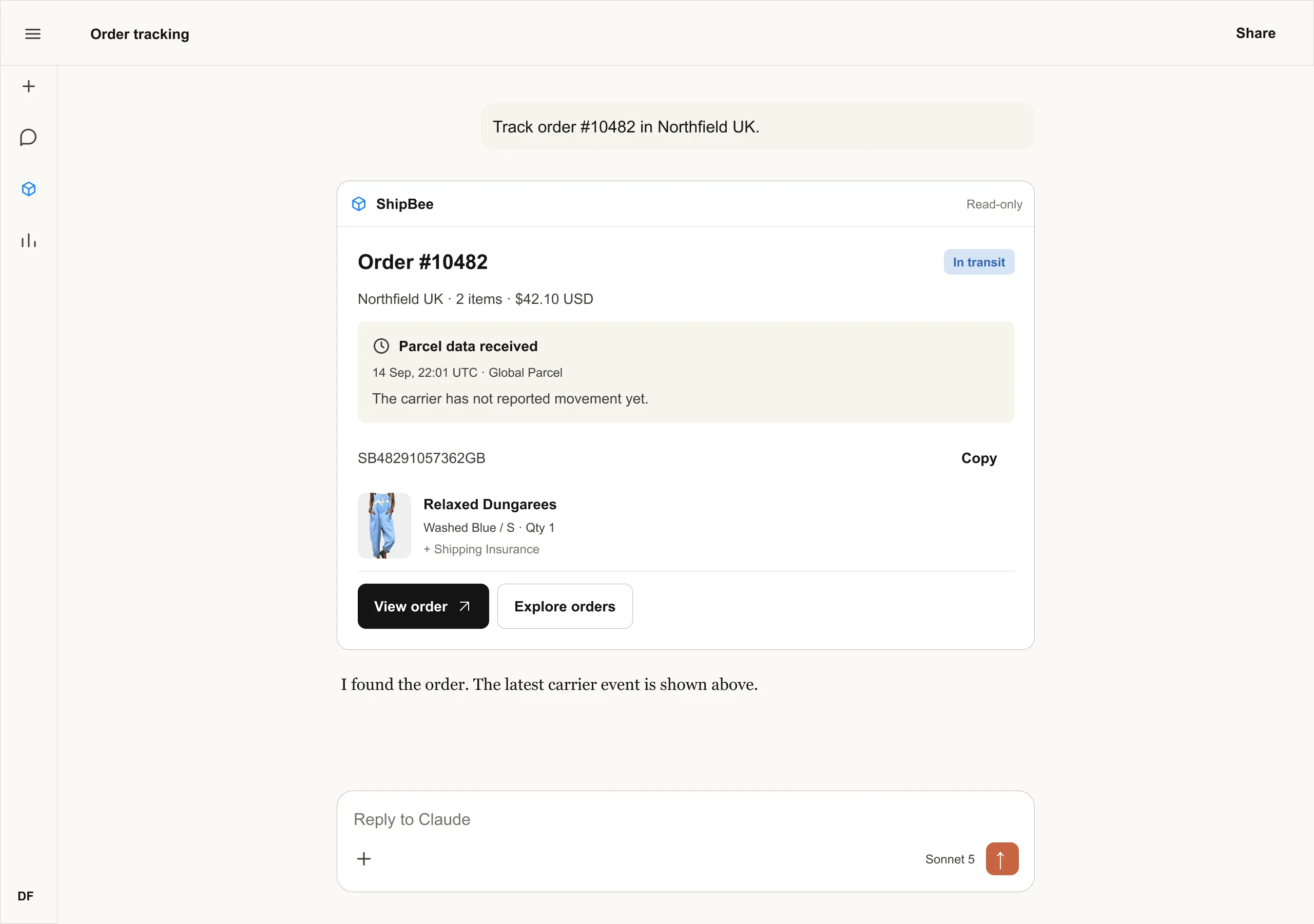
Ask about an order, a tracking number or your best sellers. Answers arrive as cards.
What the answers look like
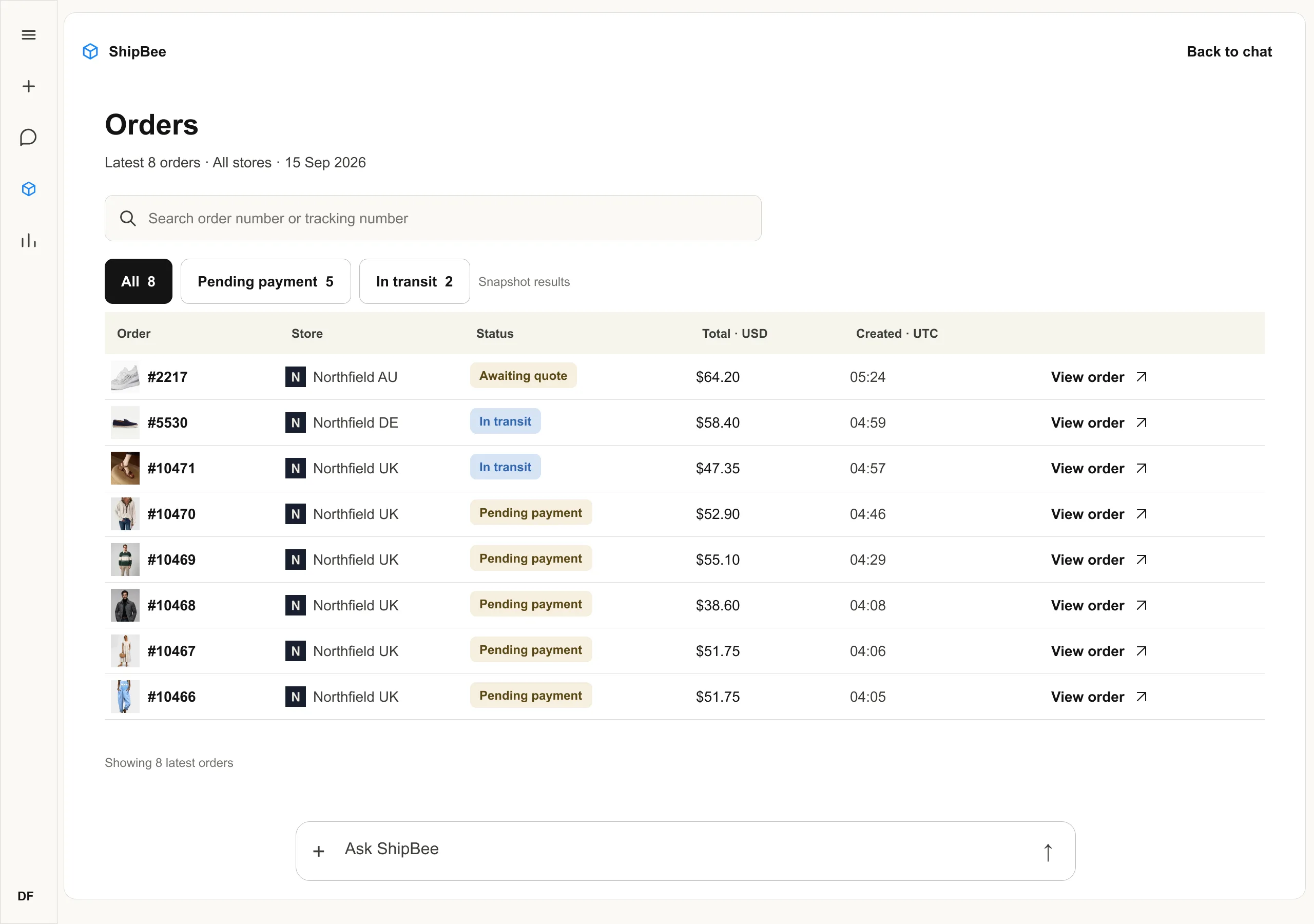
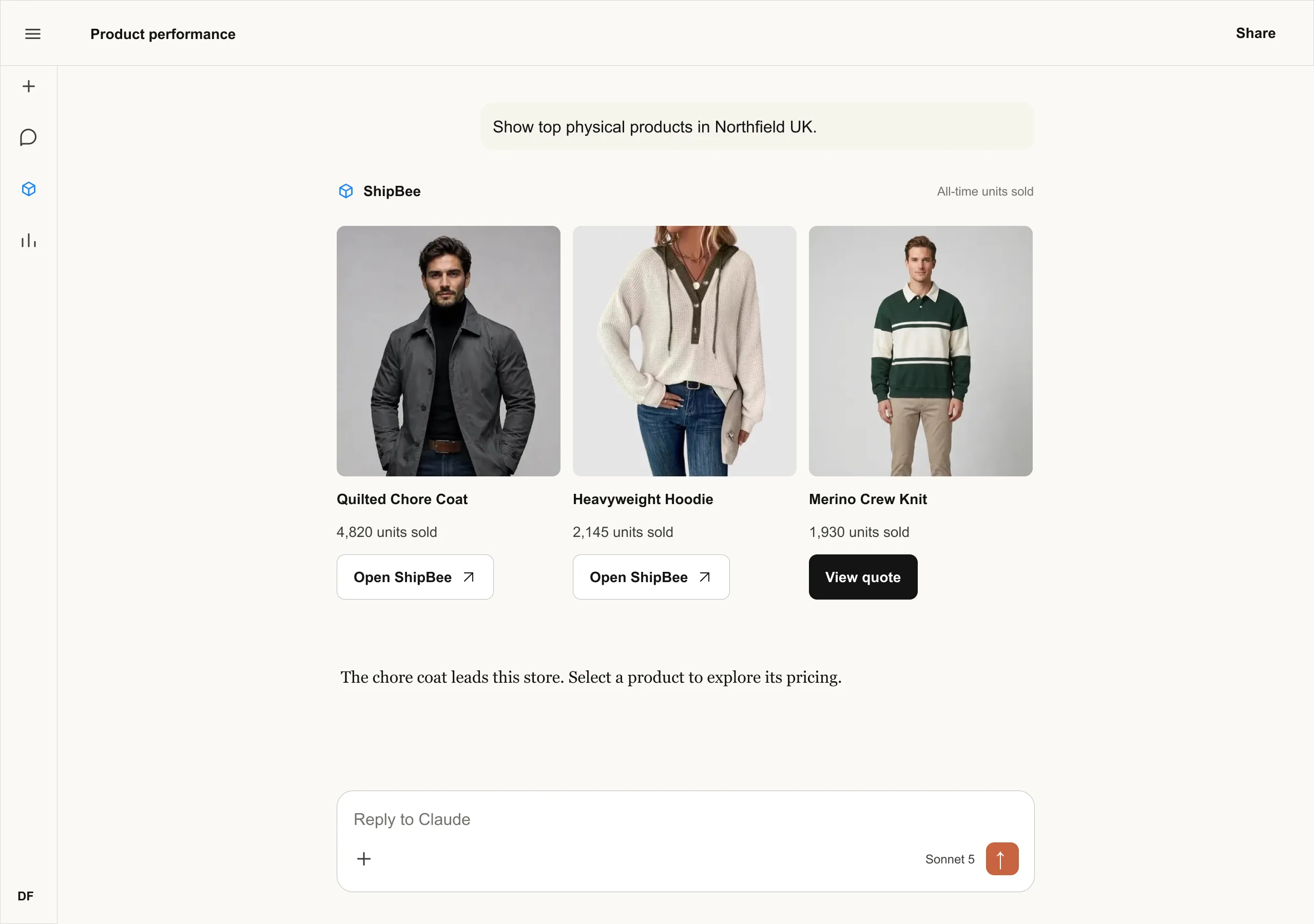
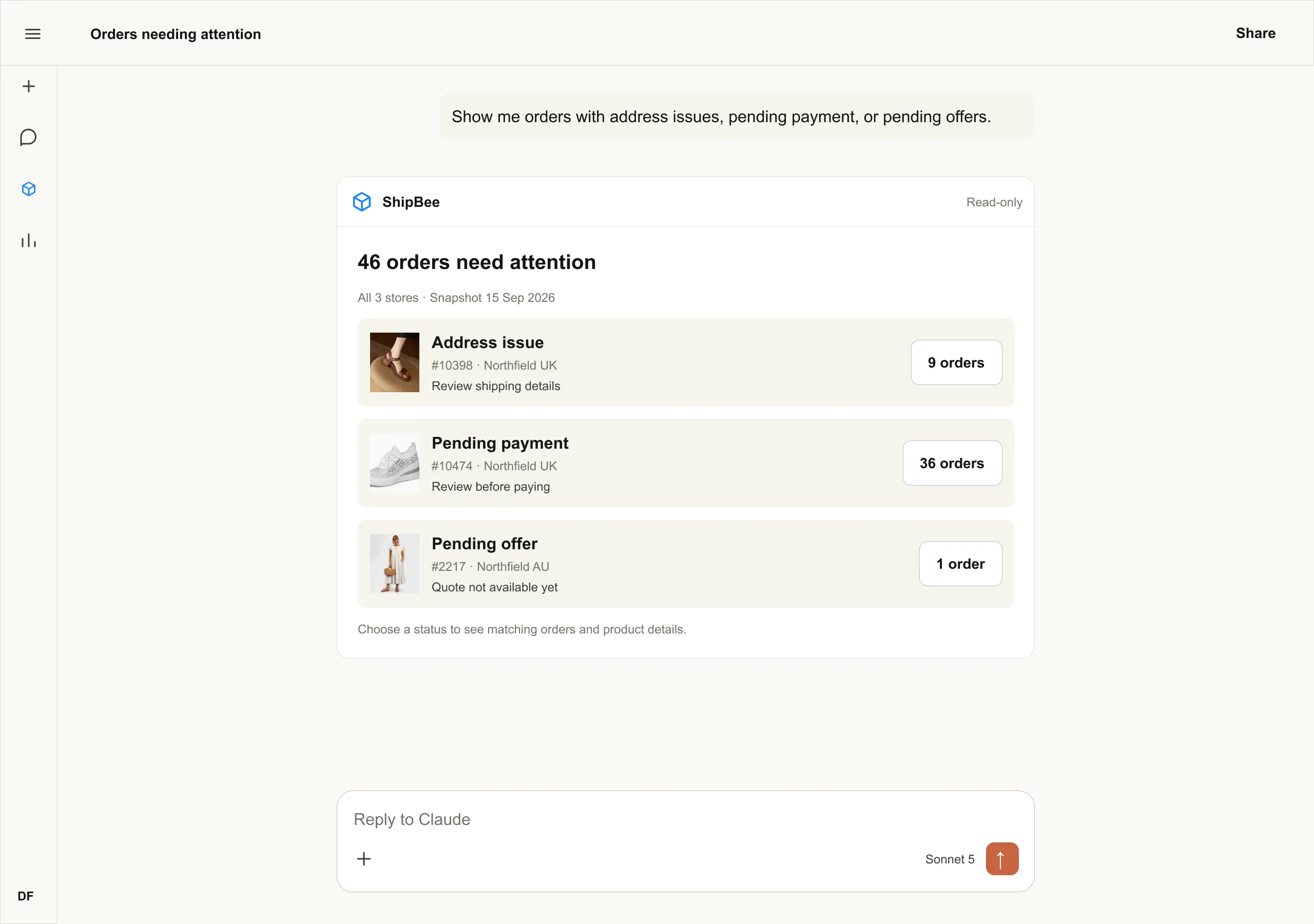
Shown with a demo store.
Things you can ask
Orders and tracking
- “Where is order #10482?”
- “Which orders are in transit?”
- “Show delayed orders this week.”
Products and quotes
- “What are my best sellers?”
- “Quote this product for 3 units.”
- “Compare this product across my stores.”
Your account
- “Which orders need attention?”
- “How many days of stock do I have left?”
- “Summarize my sales for last month.”
Questions
What is MCP?
MCP, short for Model Context Protocol, is an open standard that lets AI apps connect to the tools you already use. It works like a plug: ShipBee on one side, your AI app on the other.
Which AI apps can I use?
Any AI app that supports MCP connectors. In Claude on the web and desktop, answers show as interactive cards. Other apps show the same answers as text.
Can my AI change my orders or pay invoices?
No. ShipBee MCP is read-only. It can look up orders, tracking and products, but paying, editing and everything else stays in the ShipBee app.
Who can see my data?
Only you. You sign in with your own ShipBee login, and your AI app sees the same stores you see in ShipBee.
How do I disconnect?
Remove ShipBee from the connector settings in your AI app. You can add it back any time.